


What Is Intel Xeon? Why Servers Run on Xeon Gold CPUs
The Intel Xeon family explained: what sets Xeon Gold apart, why ECC RAM matters, and how Xeon compares to desktop CPUs (i9, Ryzen) for server workloads.
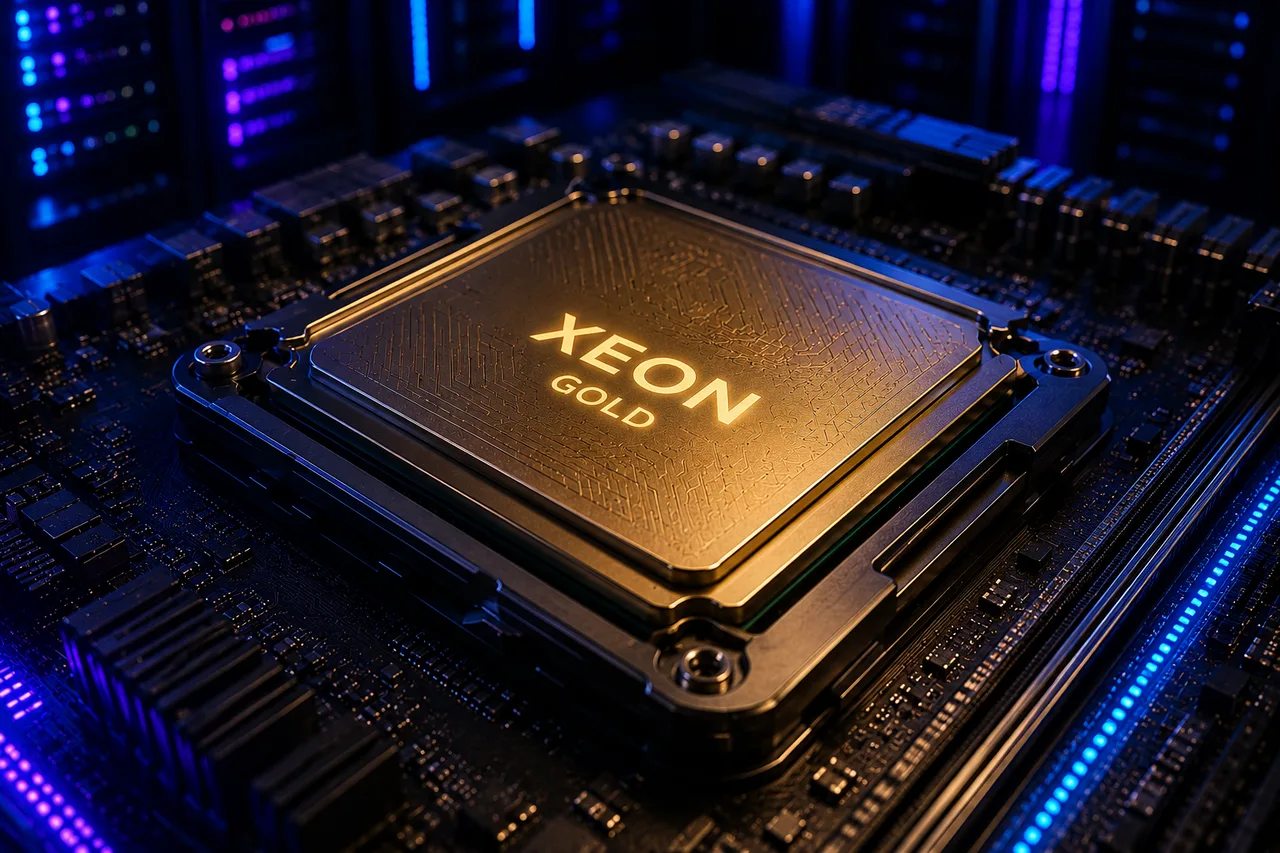
Intel Xeon is Intel’s processor family built for data centers and servers. It shares architectural roots with the Core i5/i7/i9 in your home PC, but its design goal is entirely different: Xeon is built to run for years under continuous 24/7 load. This article covers the Xeon family, where the Gold series sits, and why the CPU model matters so much when renting a server.
4 things that separate Xeon from desktop CPUs
1. ECC RAM support
The most critical — and least known — feature in the server world. ECC (Error-Correcting Code) RAM detects and fixes memory bit errors on the fly. On ordinary RAM those errors silently corrupt data or crash processes. A database server running non-stop for months simply cannot guarantee data integrity without ECC. Xeon fully supports it; most desktop CPUs don’t.
2. High core counts and multi-socket support
Xeon chips ship with 20, 30, even 60+ cores, and 2 or 4 CPUs can run on a single board. That’s how a single physical server reaches 100+ cores — and it’s exactly the muscle that VDS hosting is built on.
3. Sustained-load endurance
Desktop CPUs are designed for short performance bursts and throttle under long loads. Xeons are validated to run at 100% load continuously. Your server performs the same at 3 AM as it does at noon.
4. More PCIe lanes and memory channels
More NVMe drives, more NICs, more memory bandwidth. The Xeon Gold 6230R, for example, has a 6-channel memory controller — bandwidth desktop platforms can’t reach, which matters for database workloads.
The Xeon family: Bronze, Silver, Gold, Platinum
Intel splits the scalable Xeon family into four tiers:
| Series | Target | Typical use |
|---|---|---|
| Xeon Bronze | Entry level | Small office servers |
| Xeon Silver | Mid-range | Light virtualization, storage |
| Xeon Gold | High performance | Virtualization, databases, enterprise workloads |
| Xeon Platinum | Maximum scale | HPC, hyperscale cloud |
Xeon Gold is the sweet spot of price and performance: high core counts, dual-socket support, and strong memory bandwidth without Platinum’s scale premium. That’s why it is the most common pick in data centers.
Example: Xeon Gold 6230R
The Intel Xeon Gold 6230R powering KavesNET VDS servers:
- 26 cores / 52 threads (52 cores / 104 threads with dual sockets)
- 2.10 GHz base, 4.00 GHz turbo
- 35.75 MB cache, 6-channel DDR4 ECC memory support
- Intel VT-x, VT-d and EPT for virtualization
A CPU of this class makes uninterrupted, guaranteed core allocation possible for every VDS running on it.
Xeon or Ryzen — which server CPU?
A common question. They have different strengths:
- Intel Xeon Gold: total multi-core power, ECC memory, proven enterprise stability. Ideal for databases, multi-site hosting, virtualization and enterprise apps.
- AMD Ryzen 9 (9950X): exceptional single-thread performance and clock speeds. Ideal for latency-sensitive apps, real-time services, and frequency-hungry workloads.
Choose based on where your bottleneck is. For balanced multi-core power see our Intel Xeon Gold VDS; for maximum single-core speed see Ryzen VDS. Undecided? Our VDS rental guide helps.
Why you should always ask about the CPU
Some providers sell an “8-core VDS” without naming the CPU. The gap is enormous: a 2014-era Xeon E5 v3 core and a modern Xeon Gold core differ by 2-3× in performance. Before renting, always:
- Ask for the exact CPU model number
- Confirm cores are dedicated, not shared
- Ask whether the RAM is ECC
Transparent providers publish all of this on the plan page.
Frequently asked questions
Is a Xeon server faster than a gaming PC? They’re built for different jobs. Top desktop chips may lead in single-core speed, but Xeon wins clearly in total multi-core throughput, memory bandwidth, ECC, and sustained-load stability.
How big is the difference between Xeon Gold and Silver? Gold offers more cores, higher clocks, larger caches, and more memory channels. Under heavy production workloads the difference is significant.
How do I check the CPU in my VDS?
lscpu or cat /proc/cpuinfo on Linux; Task Manager → Performance on Windows. You should see the exact model your plan promised.
Which Xeon should I pick for a dedicated server? Depends on the workload: core count first for virtualization and databases (Gold 62xx/63xx), frequency first for single-app performance. Our dedicated server lineup covers both profiles.
Related Posts
You might also like these.
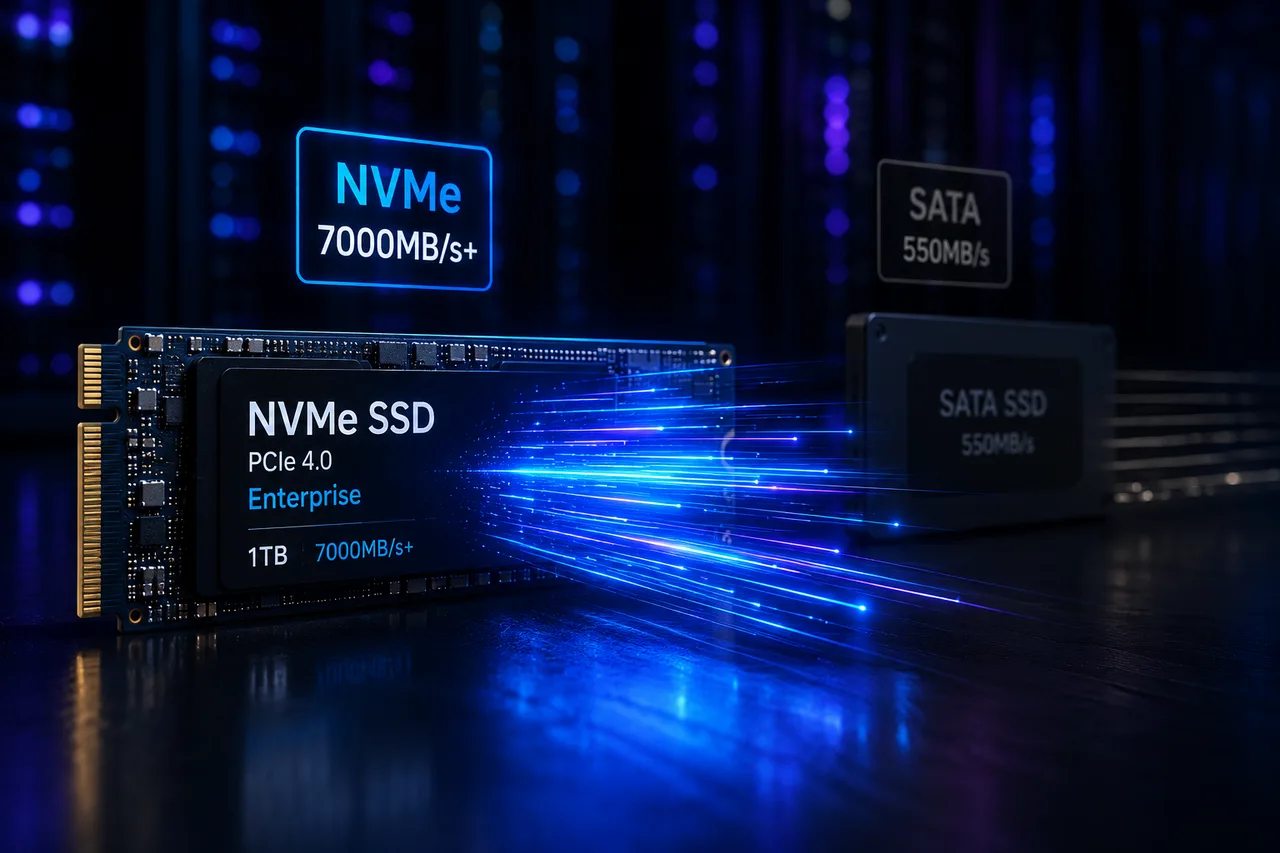
What Is NVMe SSD? Its Impact on Server Performance (vs SATA SSD)
What is NVMe, and how does it differ from SATA SSD? IOPS, latency, and real-world numbers showing why NVMe is now the server standard.
Read More
What Is a Dedicated Server? Who Actually Needs One?
What is a dedicated server, how does it differ from a VDS, and when is it a must? Advantages, costs, and the co-location alternative — all in this guide.
Read More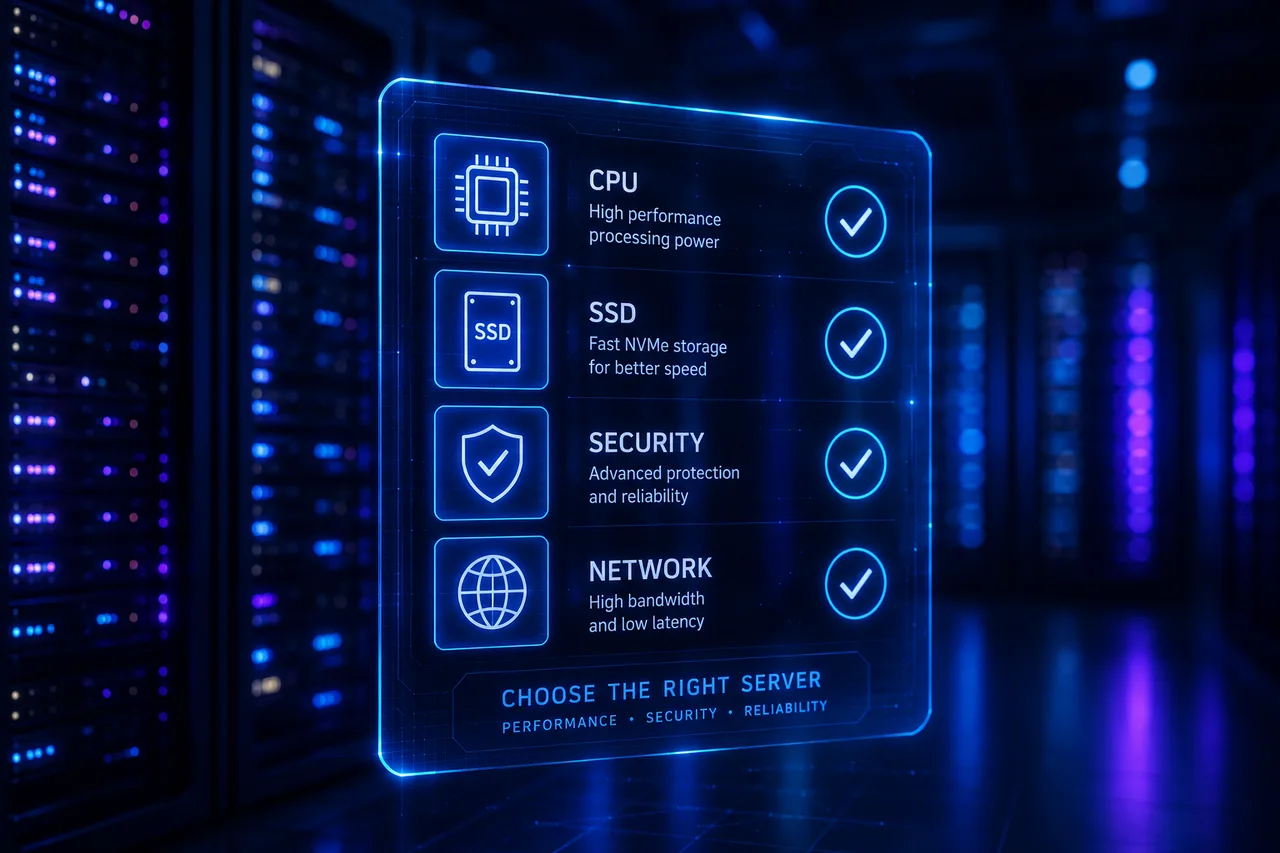
VDS Rental Guide: 10 Criteria to Check Before You Order
From CPU model to disk type, DDoS protection to backups — the 10 criteria to verify before renting a VDS, explained one by one. Don't pick the wrong plan.
Read More