


VDS Rental Guide: 10 Criteria to Check Before You Order
From CPU model to disk type, DDoS protection to backups — the 10 criteria to verify before renting a VDS, explained one by one. Don't pick the wrong plan.
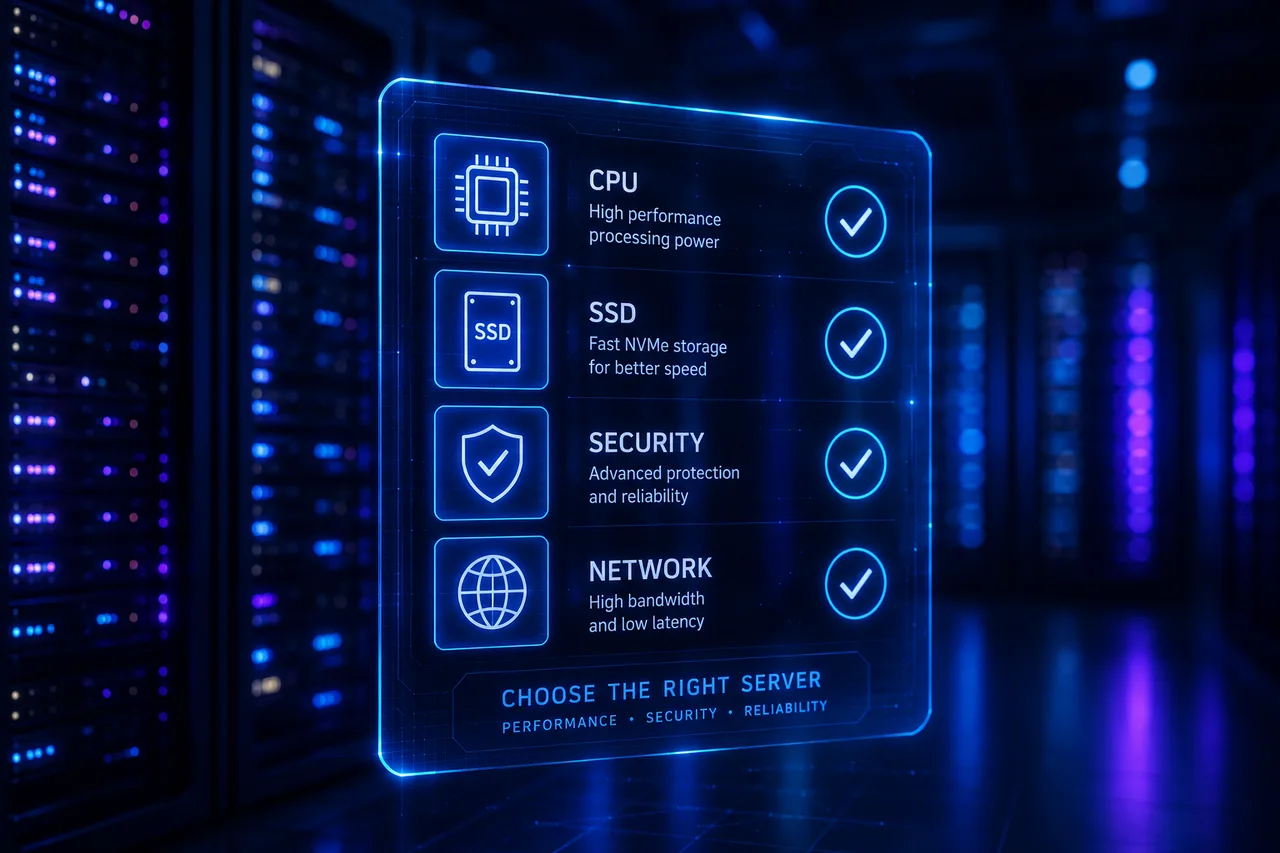
Renting a VDS is an infrastructure decision you’ll live with for months — usually years. Quick decisions made on price tags turn into slow-loading sites, e-commerce that crashes on campaign day, and data that can’t be recovered. This guide walks through the 10 criteria to verify before renting a VDS. New to the concept? Start with What is a VDS server?
1. CPU model and allocation
If the plan page only says “4 vCPU”, that’s a red flag. Ask:
- Which CPU? A Xeon Gold 6230R and a decade-old E5 differ by 2-3×. See our Intel Xeon guide.
- Dedicated or shared? On a real VDS, cores are reserved for you alone. If shared, it’s a VPS — and you’ll meet the “noisy neighbor” problem.
2. Disk type: it must be NVMe SSD
Disk I/O is one of the biggest determinants of server performance. The ranking is clear:
| Disk type | Random read (IOPS) | Verdict |
|---|---|---|
| HDD | ~100-200 | Unacceptable |
| SATA SSD | ~90,000 | Yesterday’s standard |
| NVMe SSD | ~500,000+ | The 2026 standard |
Database queries, the WordPress admin panel, concurrent user load — all are bounded by disk speed. Enterprise-class NVMe (e.g. Samsung PM9A3) adds power-loss protection (PLP) and high endurance (DWPD) that consumer SSDs lack.
3. RAM: capacity and type
- Size it to your workload; 4 GB for Linux + one site, 8 GB+ for e-commerce are sensible starting points.
- Ask about ECC RAM; it prevents silent data corruption on long-running servers.
- DDR4 or DDR5? On modern platforms DDR5 brings a clear bandwidth advantage.
4. Network: port speed and traffic limits
- Port speed: 1 Gbps is common; 10 Gbps is the premium standard. You’ll feel the difference under heavy traffic and large transfers.
- Traffic limits: where it says “unlimited”, read the fair-use clause. A clear monthly TB figure is transparency.
5. Location and latency (ping)
If your users are in Turkey, a Turkey-based server alone buys you 30-80 ms of latency. Serving Europe? Frankfurt/Amsterdam may make sense. Simple test: ping the provider’s test IP.
6. DDoS protection
Attacks don’t only target big companies; competitor sabotage and automated botnet sweeps hit sites of every size. Find out whether network-level DDoS protection is included, paid, and how much capacity it has — before you rent. More in our DDoS attacks and protection article.
7. Backup policy
The question in server management isn’t “will I lose data?” but “can I recover when I do?”:
- Is automated daily backup included? With which tool (e.g. Veeam)?
- How many days are backups retained? Is restore free?
- Build your own strategy too: the 3-2-1 backup rule is the gold standard.
8. Control panel, ISO and reinstall options
A decent VDS panel gives you: reboot, OS reinstall, ISO mounting, console (VNC) access, and resource graphs. You shouldn’t need a support ticket for every small task.
9. Support quality and SLA
- Is a 99.9% uptime SLA committed in writing?
- Is support 24/7, and how fast is the response?
- Read real user reviews; communication during a crisis is worth more than brochure promises.
10. Pricing traps
- Ultra-cheap plans are usually only possible through overselling (selling the same resource to multiple customers).
- Watch for first-month discounts with 3× renewal prices.
- Clarify whether IPv4, backups, and DDoS protection are included or extra.
Quick checklist
Fill this table before ordering:
| Criterion | Question | Acceptance bar |
|---|---|---|
| CPU | Model + allocation | Modern Xeon/Ryzen, dedicated |
| Disk | Type + class | Enterprise NVMe |
| RAM | Capacity + ECC | Workload-sized, ECC preferred |
| Network | Port + traffic | ≥1 Gbps, transparent limit |
| DDoS | Included? | Network-level, included |
| Backup | Frequency + retention | Daily, ≥7 days |
| SLA | Uptime commitment | ≥99.9% |
Conclusion
The right VDS is the one with transparent hardware specs, dedicated resources, NVMe storage, real DDoS protection, and regular backups. Our Intel Xeon Gold VDS server plans and, for maximum single-core speed, AMD Ryzen 9 9950X VDS plans meet every criterion above — NVMe SSD, 10 Gbps network, DDoS protection, and daily Veeam backups come standard.
相关 文章
您可能也喜欢这些。
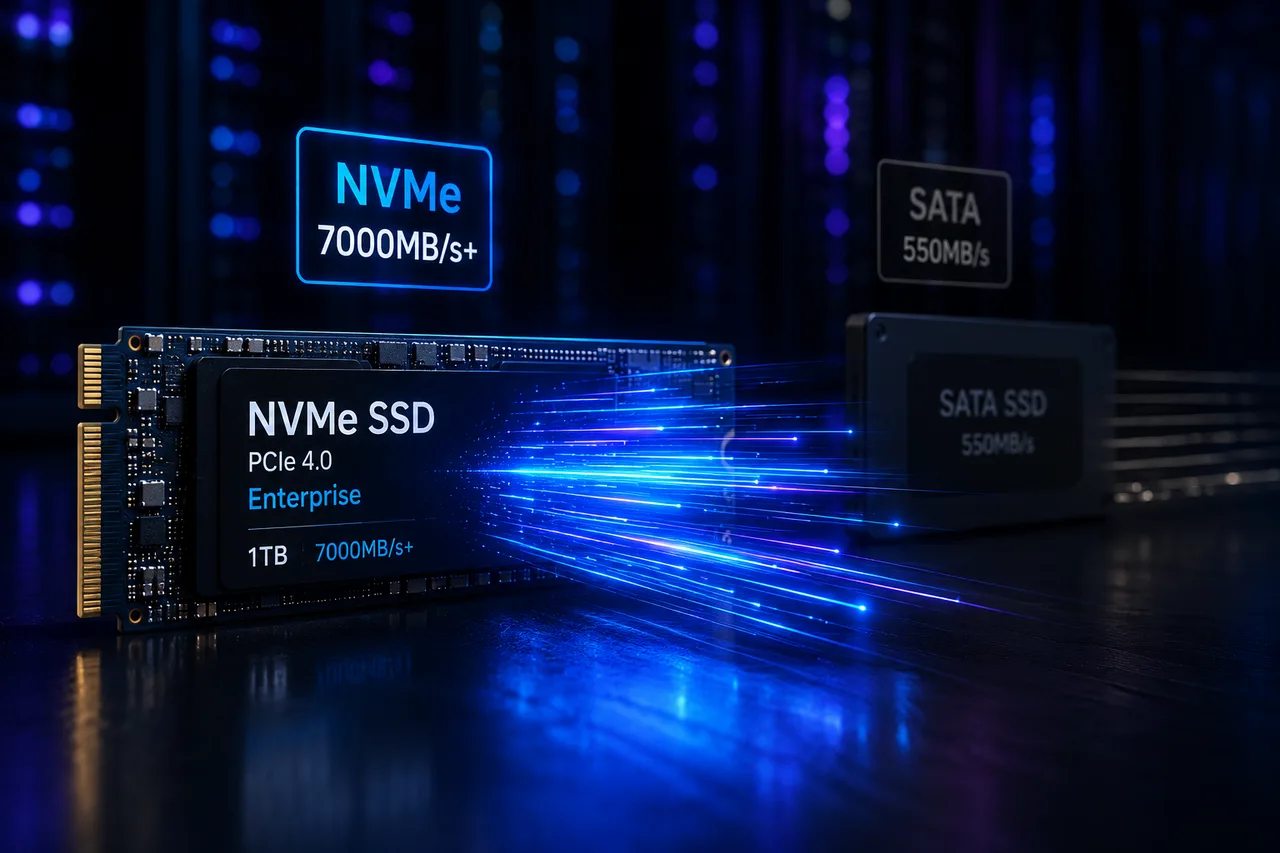
What Is NVMe SSD? Its Impact on Server Performance (vs SATA SSD)
What is NVMe, and how does it differ from SATA SSD? IOPS, latency, and real-world numbers showing why NVMe is now the server standard.
阅读更多
What Is a Dedicated Server? Who Actually Needs One?
What is a dedicated server, how does it differ from a VDS, and when is it a must? Advantages, costs, and the co-location alternative — all in this guide.
阅读更多
What Is Intel Xeon? Why Servers Run on Xeon Gold CPUs
The Intel Xeon family explained: what sets Xeon Gold apart, why ECC RAM matters, and how Xeon compares to desktop CPUs (i9, Ryzen) for server workloads.
阅读更多