


What Is a Dedicated Server? Who Actually Needs One?
What is a dedicated server, how does it differ from a VDS, and when is it a must? Advantages, costs, and the co-location alternative — all in this guide.
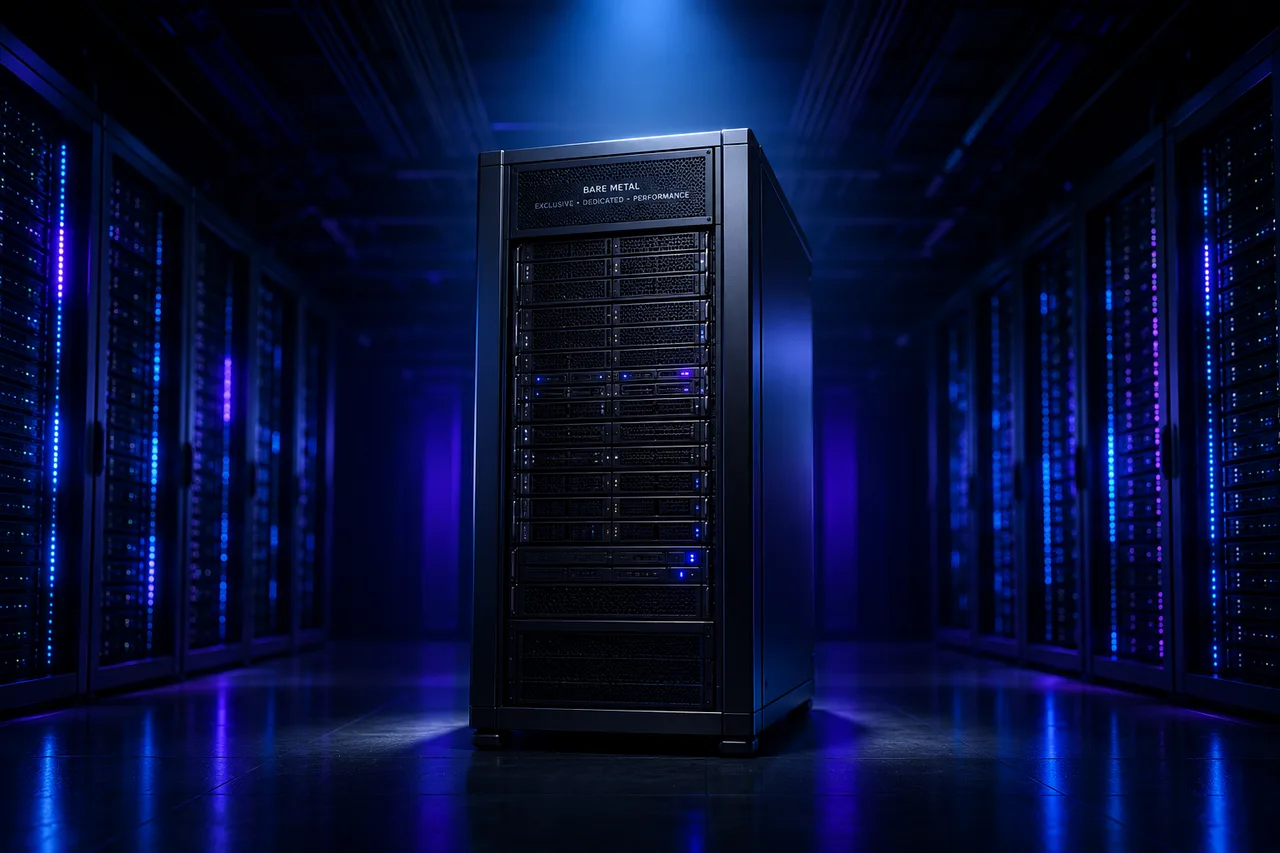
A dedicated server is a machine in a data center rented entirely to a single customer, hardware and all. There is no virtualization layer in between; the CPU, RAM, disks and NIC physically serve only you. This article explains when a dedicated server becomes necessary, how it differs from a VDS, and what to check before renting one.
Dedicated server vs VDS
A VDS is a slice of a powerful physical server, carved out by virtualization with dedicated resources. A dedicated server is the whole machine:
| Criterion | VDS | Dedicated Server |
|---|---|---|
| Hardware | Dedicated virtual resources | The entire physical machine |
| Virtualization layer | Yes (KVM etc.) | None — bare metal |
| Performance | High, dedicated | Maximum, 100% isolated |
| Run your own hypervisor | No | Yes (Proxmox, ESXi…) |
| Hardware choice | Within plan limits | CPU, RAM, disks customizable |
| Entry cost | Low | Mid-to-high |
| Provisioning time | Minutes | Hours |
Who needs a dedicated server?
1. Teams building their own virtualization stack
If you want to install Proxmox or VMware ESXi and create your own VDS instances, you need bare metal. Agencies and software companies isolate client environments this way.
2. High-traffic, database-heavy projects
Hundreds of thousands of daily visitors, tables with millions of rows, heavy reporting queries… At this scale, having every core, every bit of memory bandwidth, and all disk I/O to yourself makes a real difference. For CPU choice, see our Xeon Gold guide.
3. Organizations with compliance and isolation requirements
Finance, healthcare, and public-sector projects often require “physically isolated hardware”. A dedicated server satisfies that requirement directly.
4. Licensing optimization
Some enterprise software (databases, ERP) is licensed per physical core, and virtual environments can inflate licensing costs. On bare metal, license planning is clean.
What to check before renting
- CPU generation — The same “16 cores” label can hide a 2-3× performance gap between generations. Always ask for the model number.
- Disk configuration — Enterprise NVMe + RAID (hardware or software) should be standard. RAID is not a backup; also set up 3-2-1 backups.
- Network and DDoS — A 10 Gbps port and network-level DDoS protection matter under real traffic.
- Out-of-band management (IPMI/iLO) — Console access even when the OS is down; non-negotiable.
- SLA and part-replacement time — How many hours to swap a failed disk? Get it in writing.
Cost: rent, or buy and co-locate?
Two paths:
- Renting (the way to start): no hardware investment, failure risk sits with the provider, easy scaling. Fixed monthly cost.
- Buying + co-location: you purchase your own server and place it in a data center rack. For stable workloads beyond 2-3 years, total cost can favor this. With our co-location service your own hardware runs on a 10 Gbps network with redundant power.
The decision comes down to one question: do you want to deal with hardware management or not?
Frequently asked questions
Would a large VDS be enough instead? For most projects, yes — an 8-16 core VDS on a modern Xeon Gold carries serious workloads. You need dedicated when you require your own hypervisor, full hardware control, or physical isolation.
How long does provisioning take? Same day for in-stock configurations; typically 24-72 hours for custom builds.
Do I choose the operating system? Yes. Linux distros, Windows Server, or a hypervisor (Proxmox/ESXi) — entirely your call.
What’s the advantage of a Turkey location? Sub-10 ms ping to users in Turkey, clear data-residency for KVKK compliance, and local 24/7 support. Browse our dedicated server plans with AMD Ryzen and Intel Xeon options.
Related Posts
You might also like these.
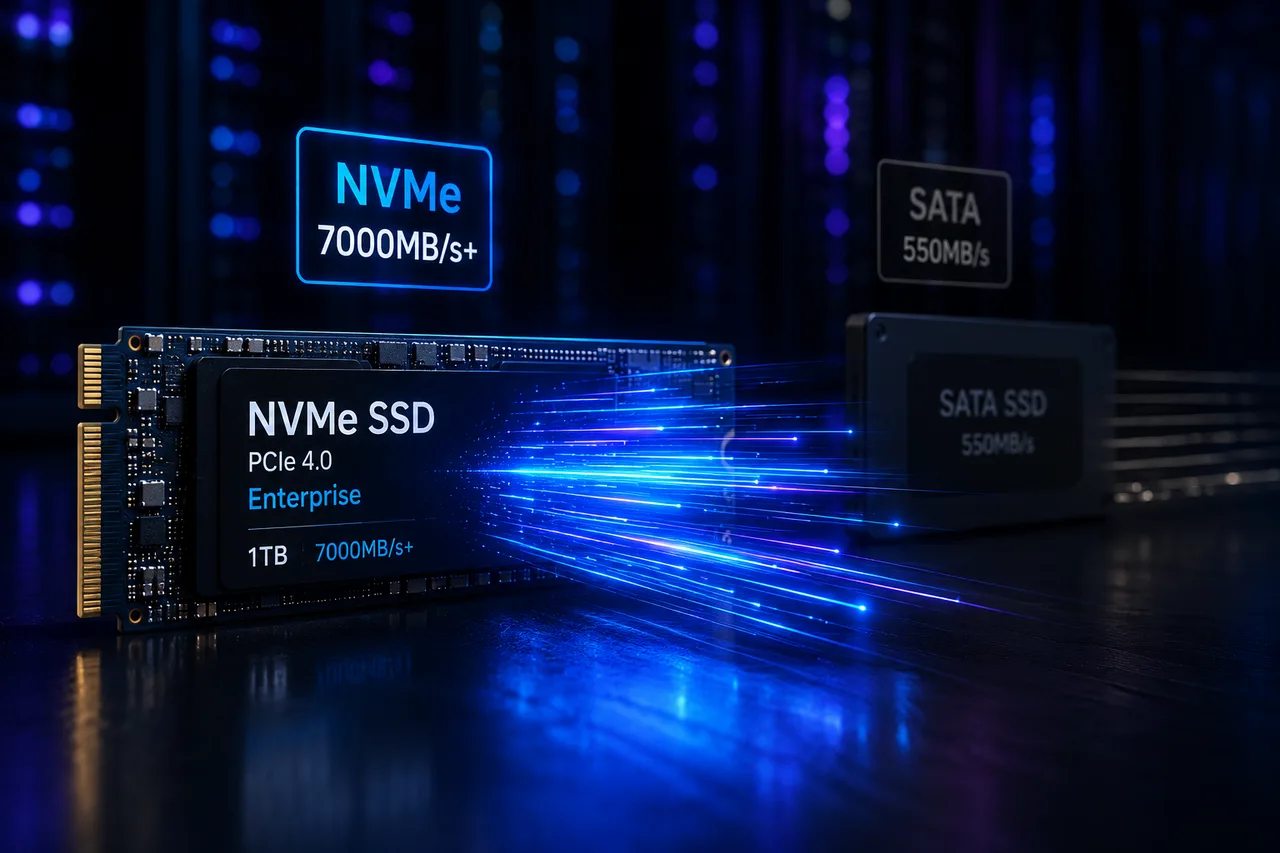
What Is NVMe SSD? Its Impact on Server Performance (vs SATA SSD)
What is NVMe, and how does it differ from SATA SSD? IOPS, latency, and real-world numbers showing why NVMe is now the server standard.
Read More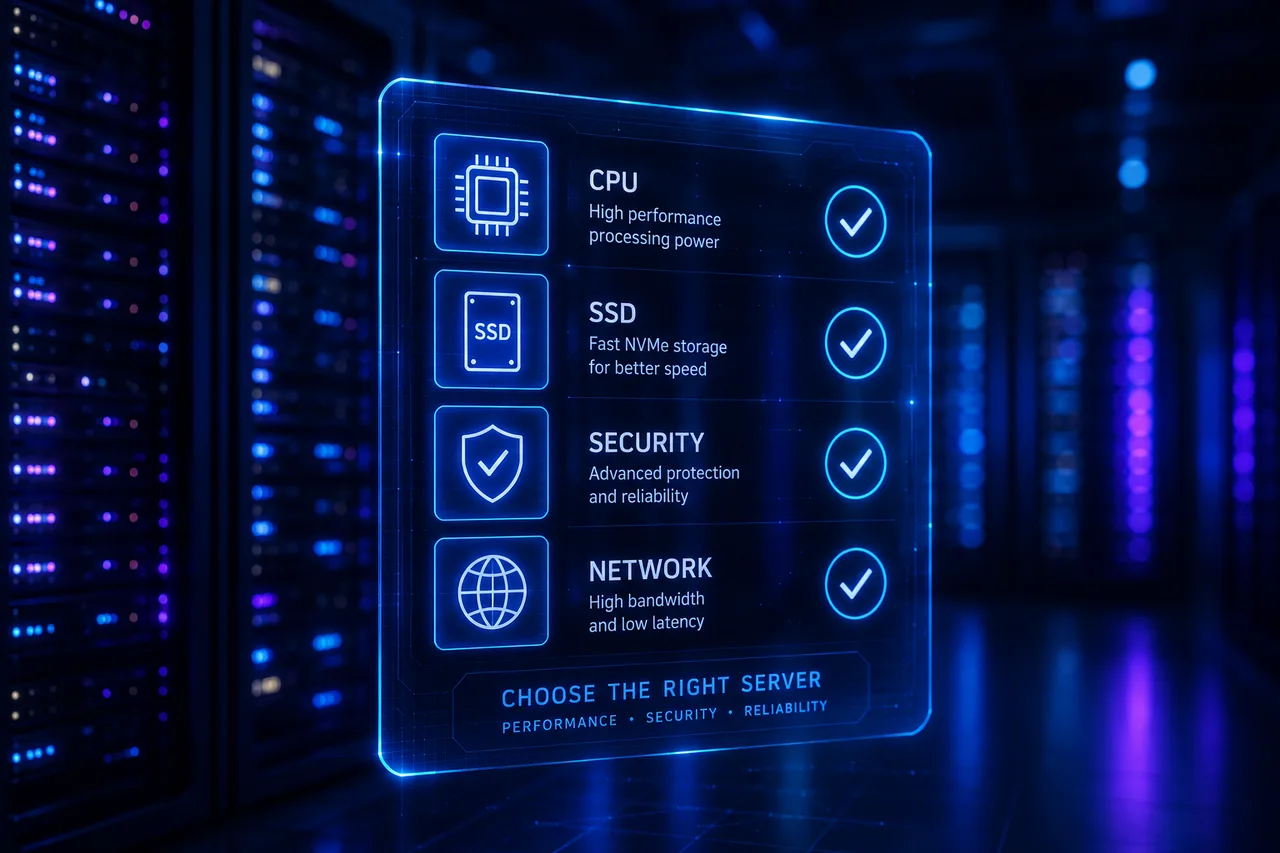
VDS Rental Guide: 10 Criteria to Check Before You Order
From CPU model to disk type, DDoS protection to backups — the 10 criteria to verify before renting a VDS, explained one by one. Don't pick the wrong plan.
Read More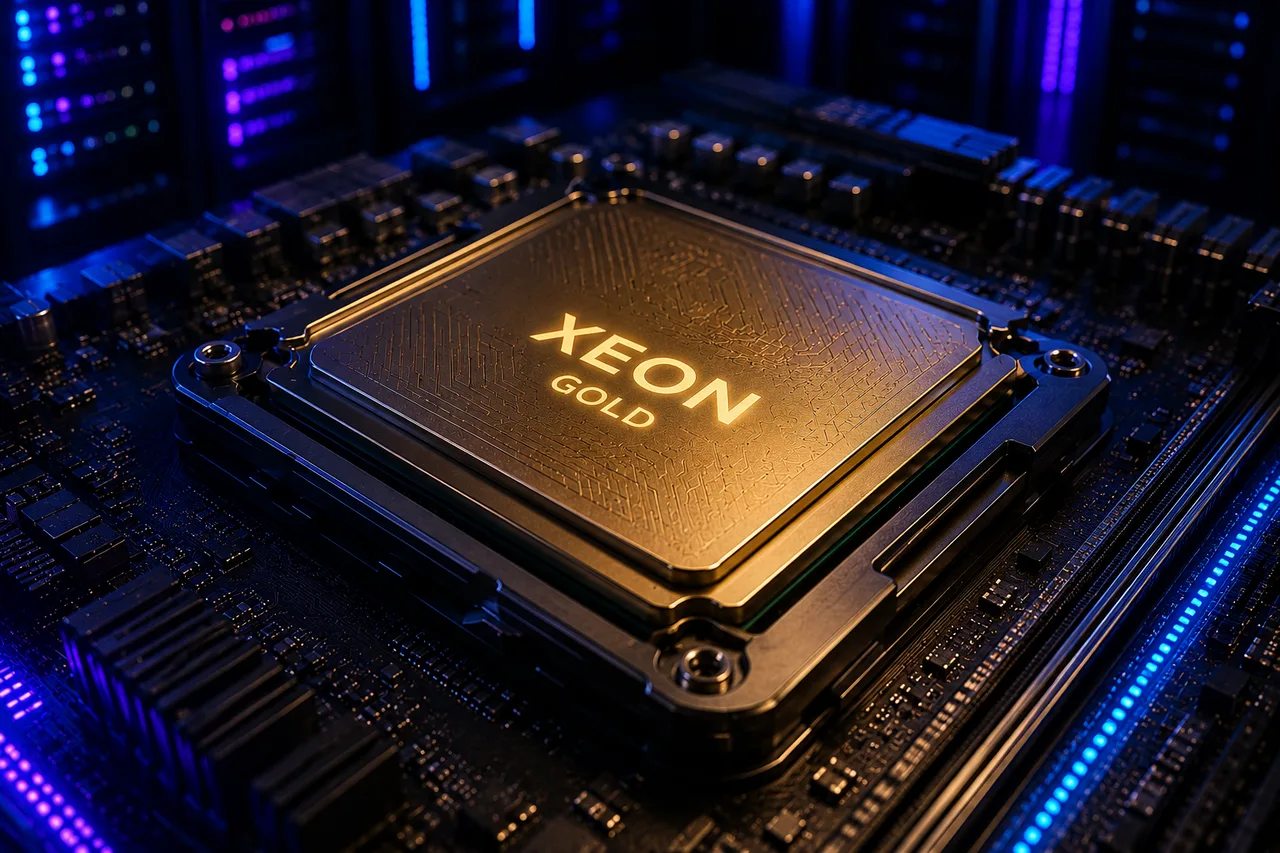
What Is Intel Xeon? Why Servers Run on Xeon Gold CPUs
The Intel Xeon family explained: what sets Xeon Gold apart, why ECC RAM matters, and how Xeon compares to desktop CPUs (i9, Ryzen) for server workloads.
Read More