


What Is a VDS Server? A Complete Beginner's Guide
What is a VDS server, how does it work, and who is it for? Everything you need to know — from virtualization basics to choosing the right plan.
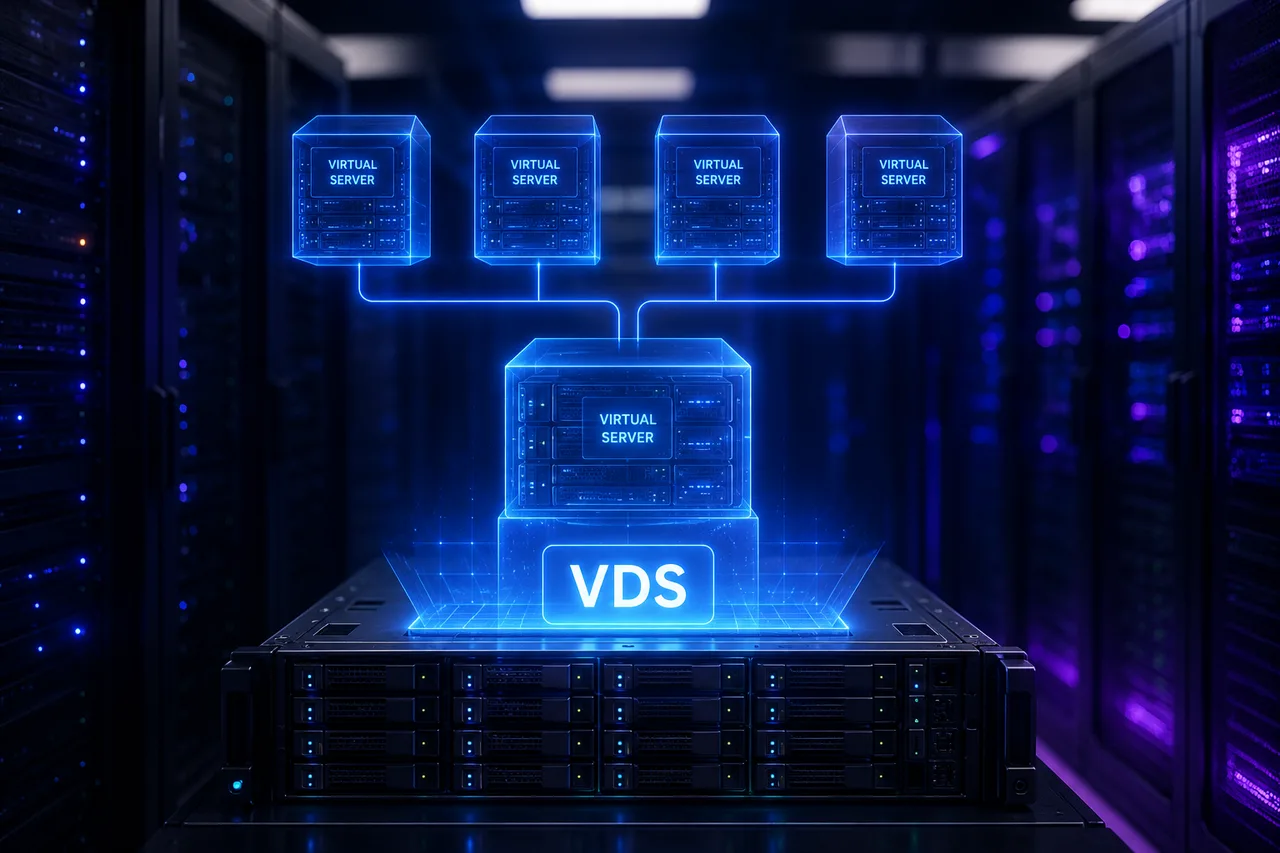
A VDS (Virtual Dedicated Server) is a virtual server carved out of a physical machine through virtualization, with resources fully dedicated to you. You install your own operating system and run any software you like with root/administrator privileges. This guide walks through how a VDS works, which projects it suits, and what to check before picking a plan.
How does a VDS work?
A powerful physical server in a data center (say, a machine with dual Intel Xeon Gold CPUs and hundreds of GB of RAM) is split into multiple virtual servers by a virtualization layer called a hypervisor (KVM, VMware, Hyper-V). The critical point with VDS:
The CPU cores and RAM assigned to you are reserved for your use only. Even when neighboring servers get busy, your performance is unaffected.
That is the biggest difference from the classic VPS model, where resources are shared from a pool. See our VDS vs VPS comparison for details.
What can you do with a VDS?
A VDS is the answer for anyone who wants their own server without paying for physical hardware:
- Website & e-commerce hosting — WordPress, WooCommerce, custom apps
- Database server — MySQL, PostgreSQL, MongoDB, Redis
- Application / API backend — Node.js, .NET, Java, Python services
- Remote desktop (RDP) — tools running 24/7 on Windows
- Mail server — corporate email on your own domain
- Test / development environment — CI-CD, staging, container host (Docker)
- Bots and automation — Telegram/Discord bots, data collection tools
Advantages of a VDS
| Feature | With a VDS |
|---|---|
| CPU / RAM | Fully dedicated, guaranteed |
| Performance | Constant and predictable |
| Privileges | Full root / administrator access |
| Operating system | Linux distros or Windows Server — your choice |
| Scaling | Plan upgrade within minutes |
| Cost | Far below a physical server |
The only real downside: for massive workloads that need an entire physical machine (heavy virtualization, big data), you’ll want a dedicated server instead.
What to look for when choosing a VDS
1. CPU model
“8 cores” alone means nothing; what matters is whose cores they are. Server-class Intel Xeon Gold CPUs deliver high core counts and stability under sustained load, while AMD Ryzen 9 chips lead in single-core performance. Read our Intel Xeon guide for details.
2. Disk type: NVMe SSD is a must
Database queries and page load times largely depend on disk I/O. NVMe SSDs deliver 6-7× the read/write speed of SATA SSDs. Avoid providers still selling SATA-SSD or HDD-based VDS in 2026.
3. Network and DDoS protection
Check the port speed (1 Gbps or 10 Gbps?), traffic limits, and whether DDoS protection is included. If you serve users in Turkey, a Turkey-based server keeps ping under 10 ms.
4. Backups
Is automated daily backup (e.g. Veeam) included? A server without backups is data waiting to be lost.
Which VDS plan fits me?
- 2 cores / 4 GB RAM — corporate site, small WordPress, a single bot
- 4 cores / 8 GB RAM — mid-traffic e-commerce, multiple sites, API backend
- 8+ cores / 16+ GB RAM — heavy databases, high traffic, microservices
Upgrading takes minutes, so starting small and growing is the smart strategy. Browse our VDS server plans with Intel Xeon Gold CPUs, NVMe SSDs, and 10 Gbps networking — or check Ryzen VDS when single-core speed is critical.
Frequently asked questions
What’s the difference between VDS and shared hosting? Shared hosting puts hundreds of sites on one server with limited resources and privileges. With a VDS, the server is yours: you decide the OS, software, and resources.
How do I connect to my VDS remotely? Linux servers via SSH, Windows servers via RDP (Remote Desktop).
How long does VDS setup take? With modern providers, provisioning is automated — your server is delivered within minutes of ordering.
Is a VDS secure? The virtualization layer fully isolates servers from each other. The rest is up to you: strong passwords, a proper firewall, and regular updates.
Ähnliche Beiträge
Das könnte Sie auch interessieren.
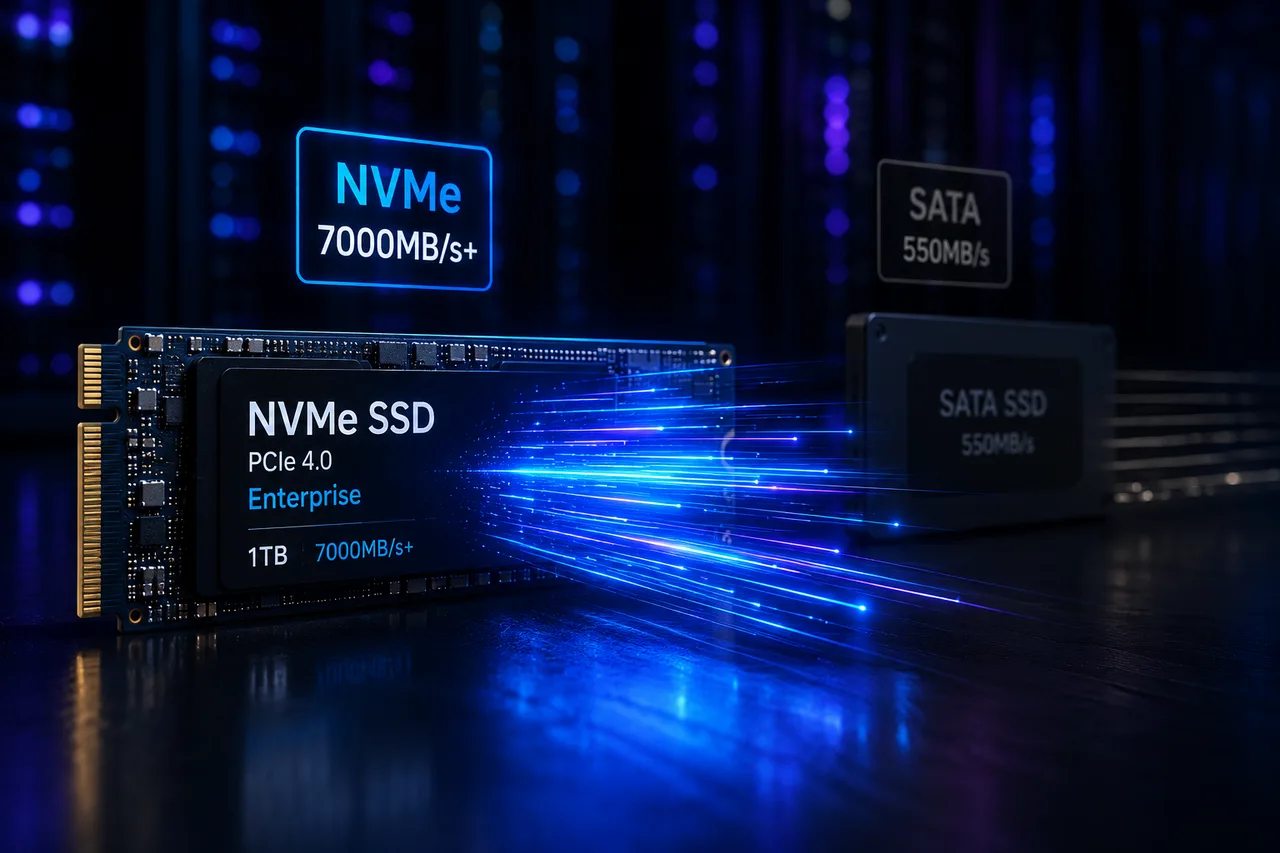
Was ist NVMe SSD? Der Einfluss auf die Serverleistung (vs. SATA SSD)
Was ist NVMe und wie unterscheidet es sich von SATA SSD? IOPS, Latenz und Praxiszahlen zeigen, warum NVMe heute der Server-Standard ist.
Weiterlesen
Was ist ein Dedicated Server? Wer braucht wirklich einen?
Was ist ein Dedicated Server, wie unterscheidet er sich vom VDS, wann ist er Pflicht? Vorteile, Kosten und die Colocation-Alternative — alles in diesem Ratgeber.
Weiterlesen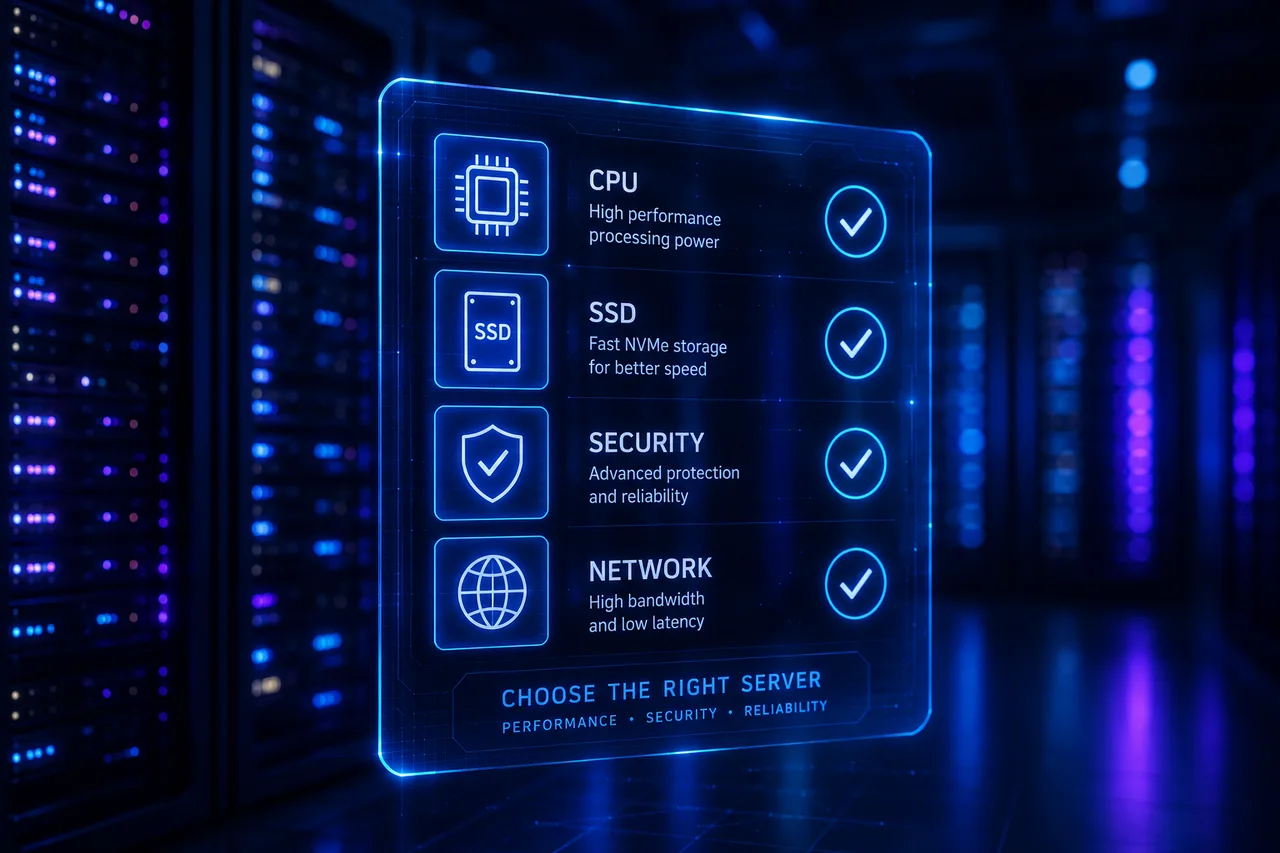
VDS mieten: 10 Kriterien, die Sie vor der Bestellung prüfen sollten
Vom CPU-Modell über den Disk-Typ bis zu DDoS-Schutz und Backups — die 10 Kriterien vor der VDS-Miete, einzeln erklärt. Wählen Sie nicht das falsche Paket.
Weiterlesen