


如何安装 Let's Encrypt SSL 证书:免费 HTTPS 指南
用 Certbot 在 Nginx 和 Apache 上安装 Let's Encrypt SSL。自动续期、通配符证书与常见错误。
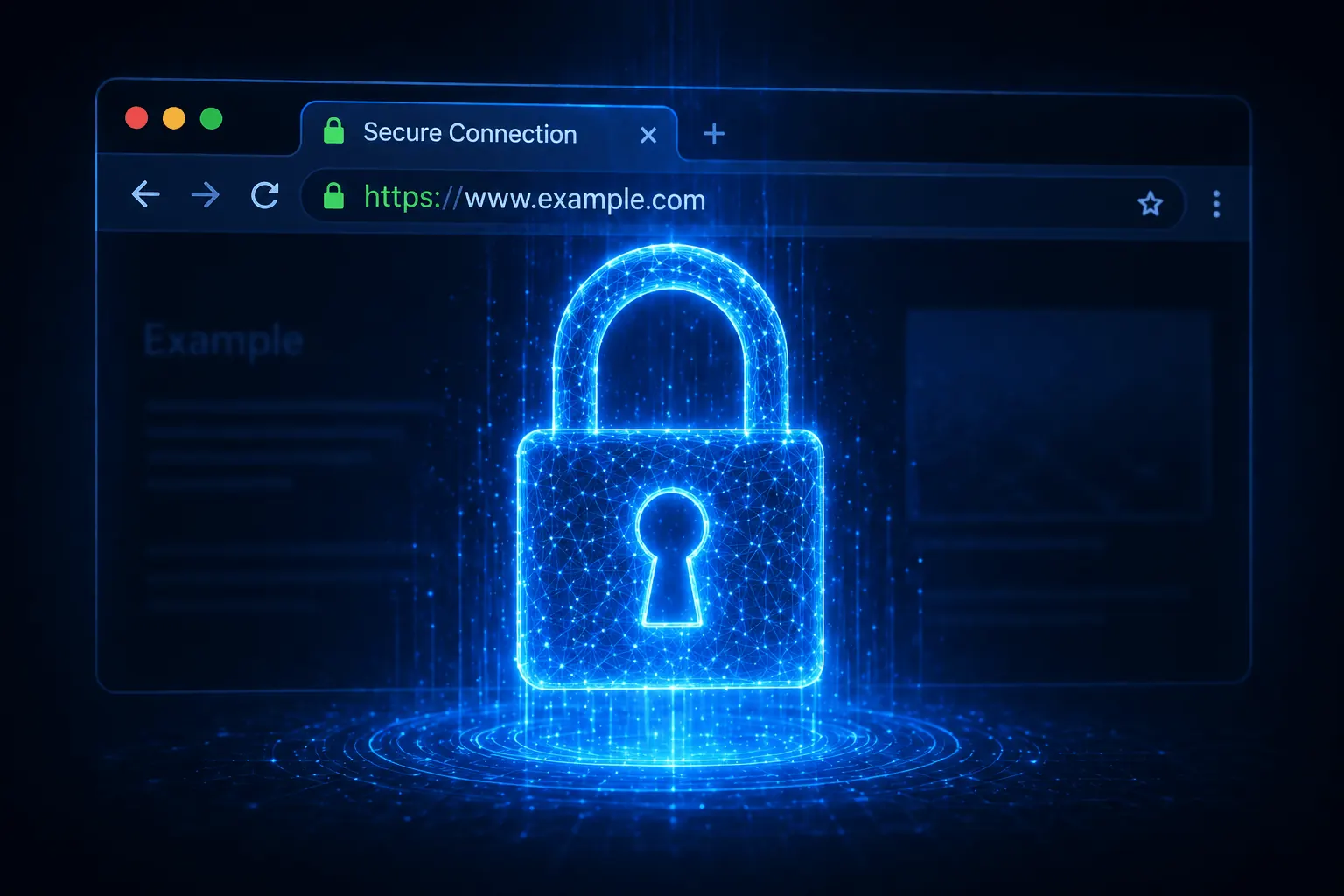
2026 年没 SSL 的网站 = “不安全”警告 + SEO 惩罚。Let’s Encrypt 提供免费 SSL,Certbot 5 分钟内装好并自动续期。本文走 Nginx 与 Apache 的安装步骤 + 常见错误。
前置条件
- 域名 DNS A 记录指向 VDS IP(
dig +short 你的-站点.com) - 80/443 端口开放(80 是 Let’s Encrypt 验证必需)
- root 权限
- 已装 Web 服务器(Nginx/Apache)
安装 Certbot
# Ubuntu/Debian
sudo apt install certbot python3-certbot-nginx -y
sudo apt install certbot python3-certbot-apache -y

# AlmaLinux/RHEL
sudo dnf install certbot python3-certbot-nginx -y
Nginx 安装 SSL
一条命令:
sudo certbot --nginx -d 你的-站点.com -d www.你的-站点.com向导:
- 邮箱(续期通知用)
- ToS → A
- HTTP → HTTPS 重定向 → 2 (Yes)
约 30 秒后站点跑在 HTTPS 上。浏览器看到绿色锁。
Apache
sudo certbot --apache -d 你的-站点.com -d www.你的-站点.com同样的向导。Apache 配置自动改。
手动模式
sudo certbot certonly --webroot -w /var/www/html -d 你的-站点.com证书在 /etc/letsencrypt/live/你的-站点.com/。Web 配置自己接。
通配符(*.你的-站点.com)
通配符需 DNS challenge:
sudo certbot certonly --manual --preferred-challenges dns \
    -d 你的-站点.com -d "*.你的-站点.com"
Certbot 让你加 TXT 记录 → 在 DNS 面板加 → 等然后回车。
自动 DNS challenge(Cloudflare API):
sudo apt install python3-certbot-dns-cloudflare -y

# /root/.cloudflare/credentials.ini
dns_cloudflare_api_token = 令牌

sudo chmod 600 /root/.cloudflare/credentials.ini

sudo certbot certonly --dns-cloudflare \
    --dns-cloudflare-credentials /root/.cloudflare/credentials.ini \
    -d 你的-站点.com -d "*.你的-站点.com"
自动续期
Let’s Encrypt 证书有效期 90 天。Certbot 安装时会加 cron/timer:
sudo certbot renew --dry-run
sudo certbot renew
systemctl status certbot.timer
手动 cron:
0 4 * * * certbot renew --quiet && systemctl reload nginx详见cron 指南。
列出证书
sudo certbot certificates撤销证书
sudo certbot revoke --cert-path /etc/letsencrypt/live/你的-站点.com/cert.pem
sudo certbot delete --cert-name 你的-站点.com
SSL Labs 测试
安装后:https://www.ssllabs.com/ssltest/ —— A+ 配置:
ssl_protocols TLSv1.2 TLSv1.3;
ssl_ciphers HIGH:!aNULL:!MD5;
ssl_prefer_server_ciphers on;
add_header Strict-Transport-Security "max-age=31536000; includeSubDomains" always;
常见错误
- “Failed authorization procedure”:
- DNS A 记录错 →
dig +short 你的-站点.com - 80 端口关 → 检查 UFW(UFW 文章)
- Cloudflare 代理开着 → 验证时临时关
- DNS A 记录错 →
- “Too many requests”:Let’s Encrypt 限速(每周每域名 5 张)→ 等
- “Certificate not yet due for renewal”:到期前 30 天才续;强制用
--force-renewal - Mixed content 警告:内容中的
http://→ 改https://
结论
SSL 不再是可选——用户信任、SEO 与合规都要求。Let’s Encrypt + Certbot 是免费、自动、官方支持的组合。
用 Plesk 更简单——见我们的Plesk 文章。
相关 文章
您可能也喜欢这些。

什么是 NVMe SSD?它对服务器性能的影响(对比 SATA SSD)
什么是 NVMe?它与 SATA SSD 有何区别?用 IOPS、延迟与真实数据说明 NVMe 为何已成为服务器标准。
阅读更多
什么是独立服务器(Dedicated Server)?谁真正需要它?
什么是独立服务器?它与 VDS 有何区别、何时必须使用?优势、成本与服务器托管(co-location)替代方案,尽在本指南。
阅读更多
VDS 租用指南:下单前必查的 10 项标准
从 CPU 型号到磁盘类型,从 DDoS 防护到备份——租用 VDS 前必须核实的 10 项标准,逐条讲解。别选错套餐。
阅读更多